How does Calorify count calories?
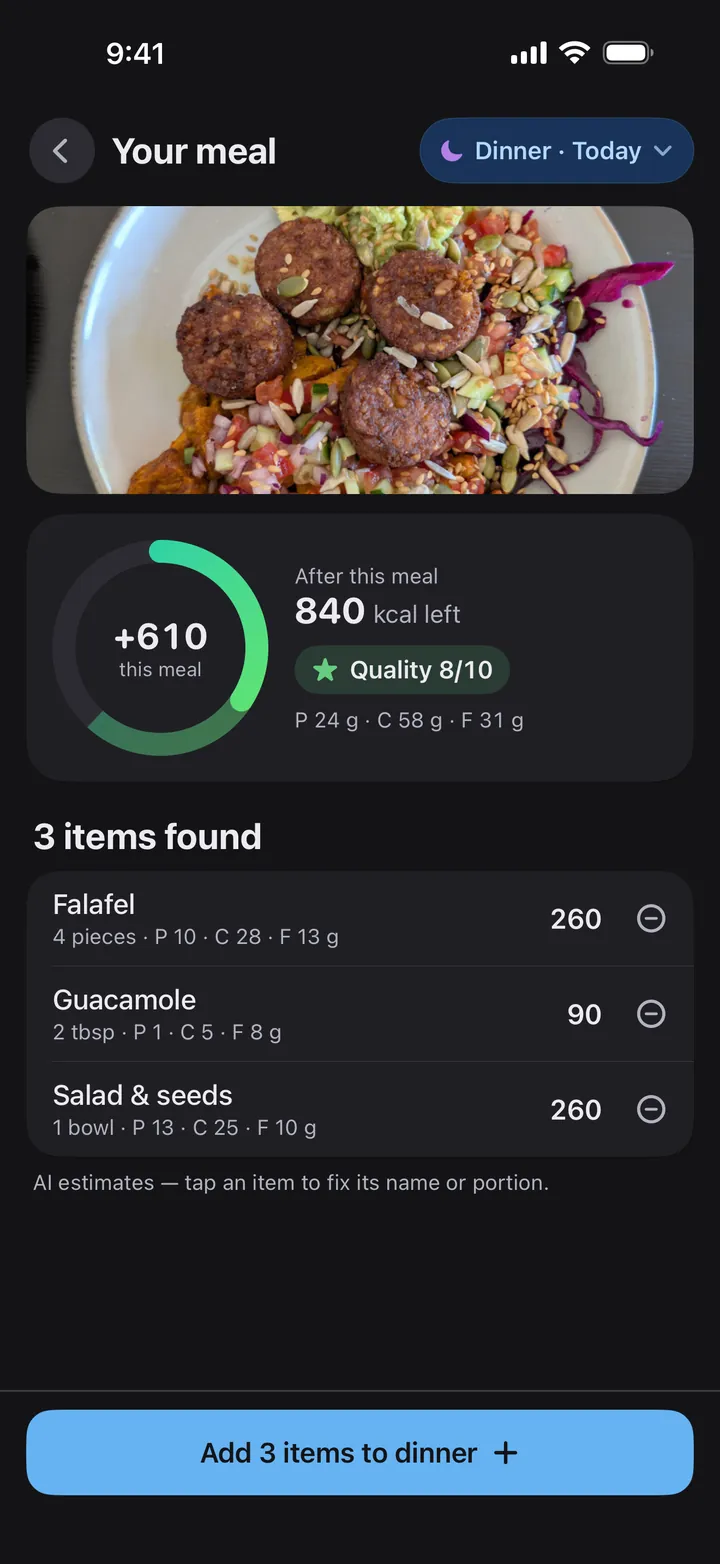
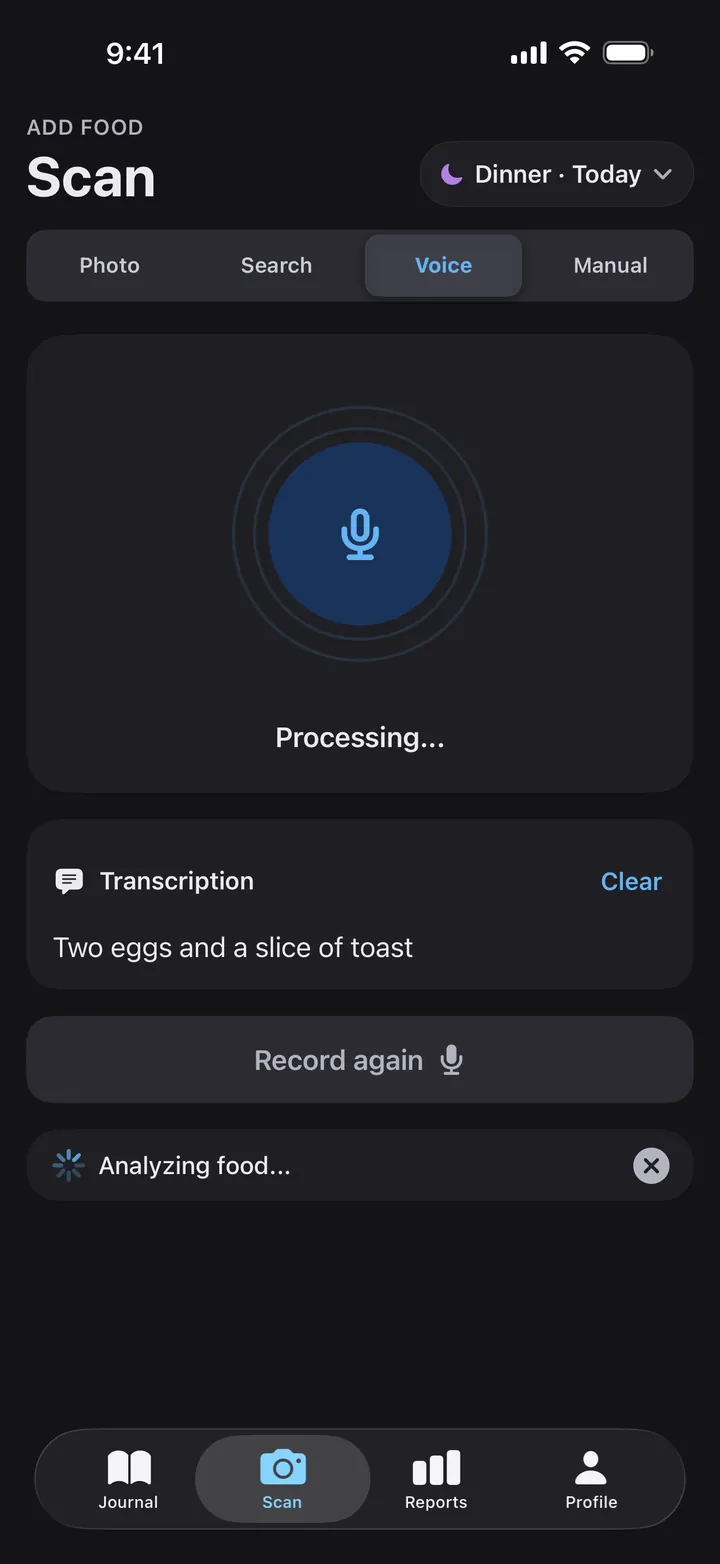
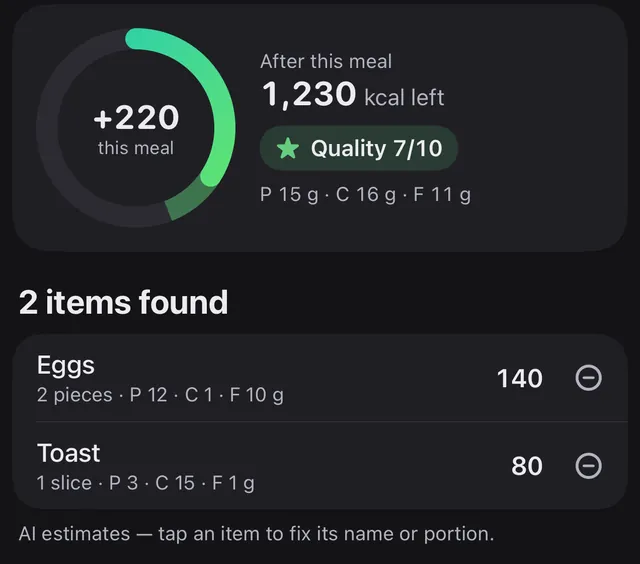
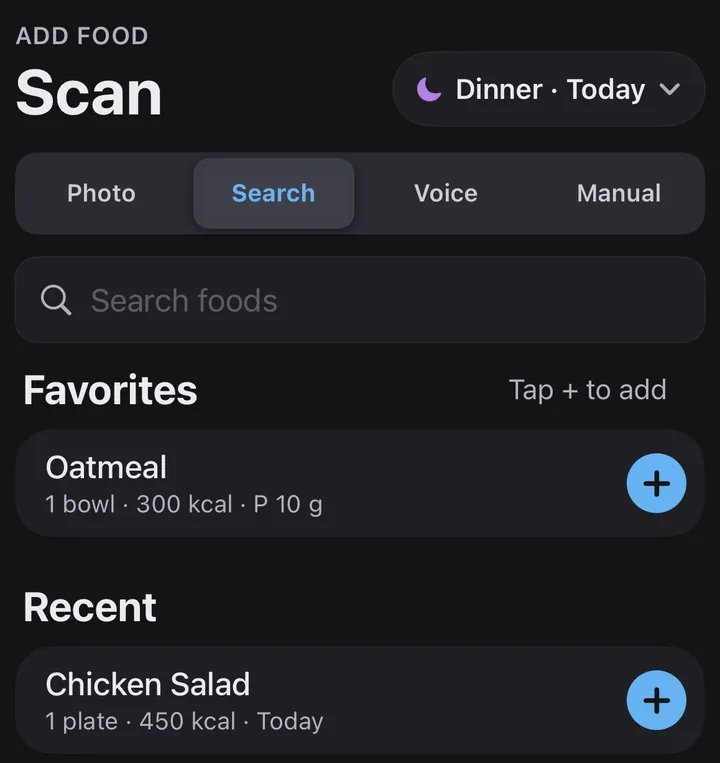
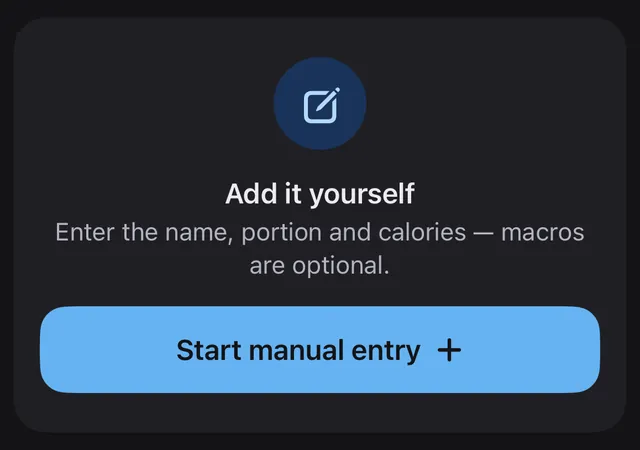
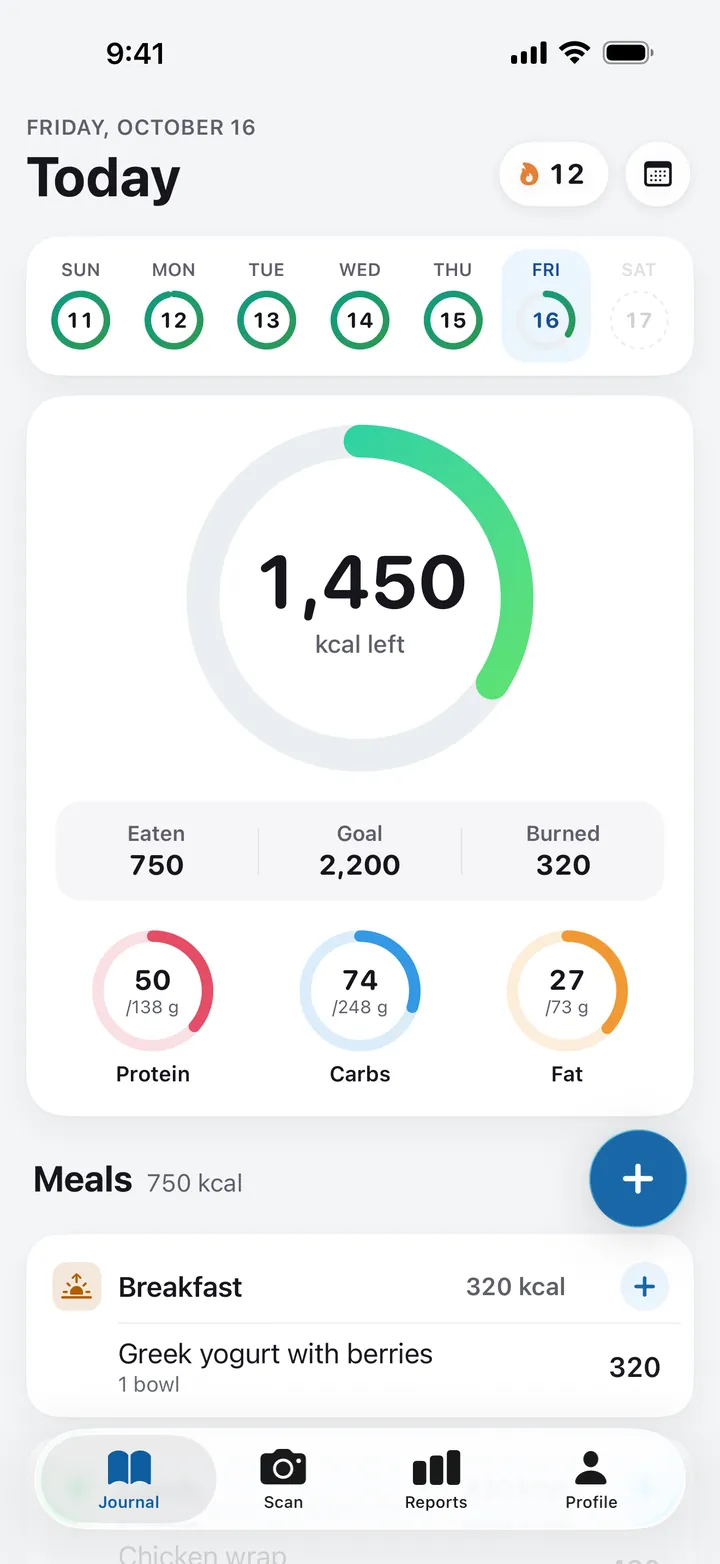
Take a photo and Calorify's AI estimates the portion, calories, protein, carbs and fat of each item on the plate. You can also say what you ate, search for a food or enter it yourself. You can check and edit every item before it's added to your day.
Is Calorify free?
Calorify is free to download. The journal, food search, manual entry, reports and water tracking are free, and the free plan includes a 3-day trial of photo scans. Unlimited photo scans, voice logging and AI insights come with Calorify Premium, an auto-renewing monthly or yearly subscription. The app shows the price in your currency before you subscribe.
How accurate are the photo estimates?
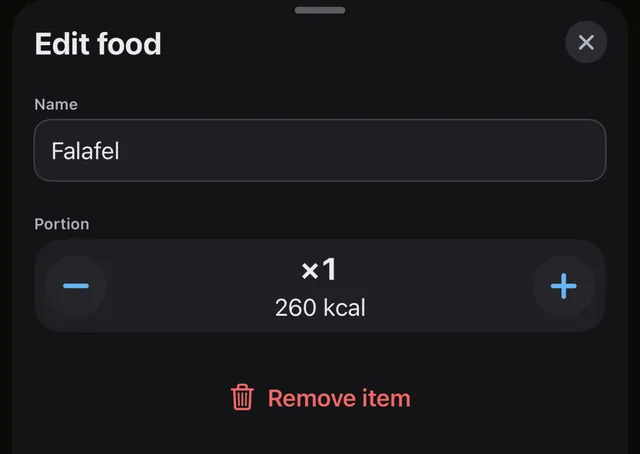
They're AI estimates, so treat them as a starting point. Tap any item to fix its name or portion, or remove it, before you add the meal. Calorify is not a medical device and doesn't give medical advice.
Does Calorify work with Apple Health?
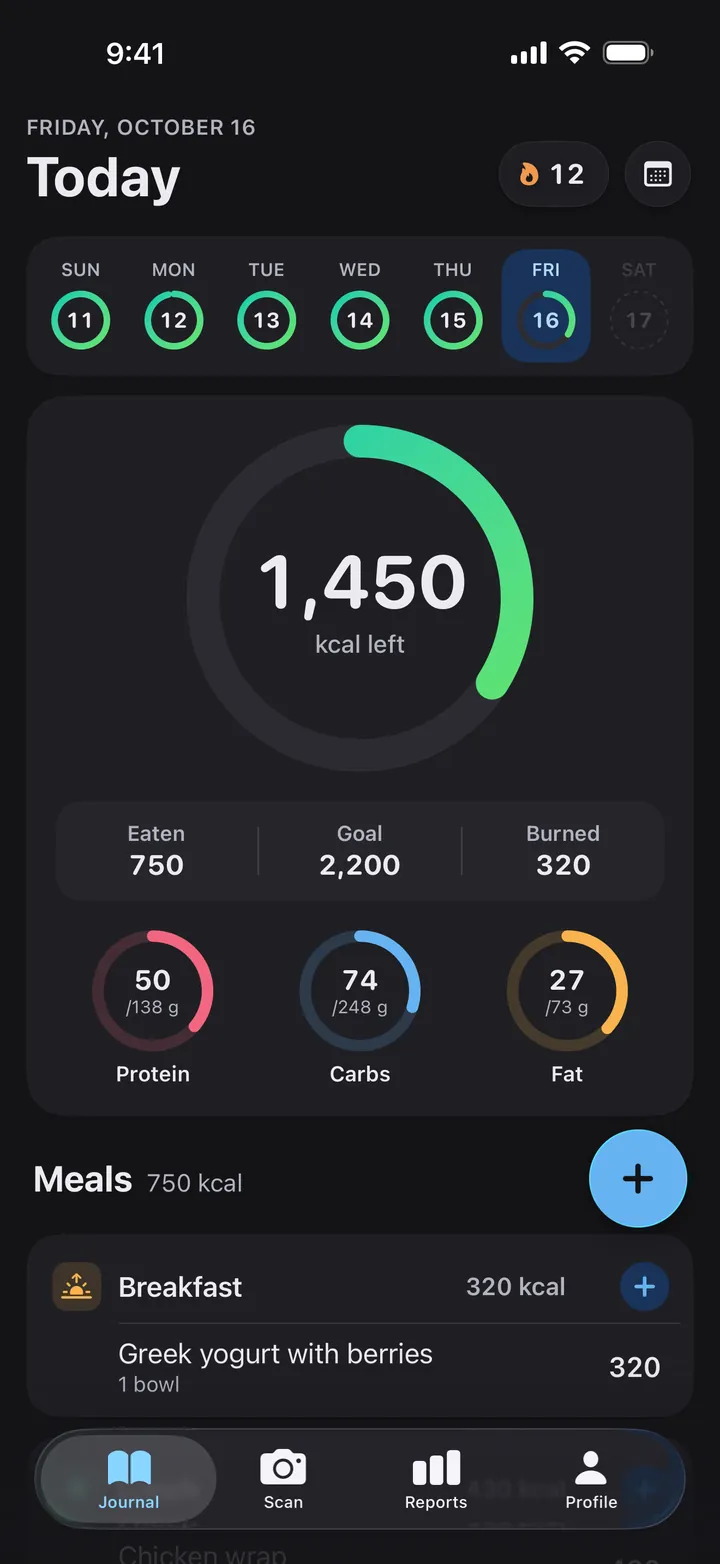
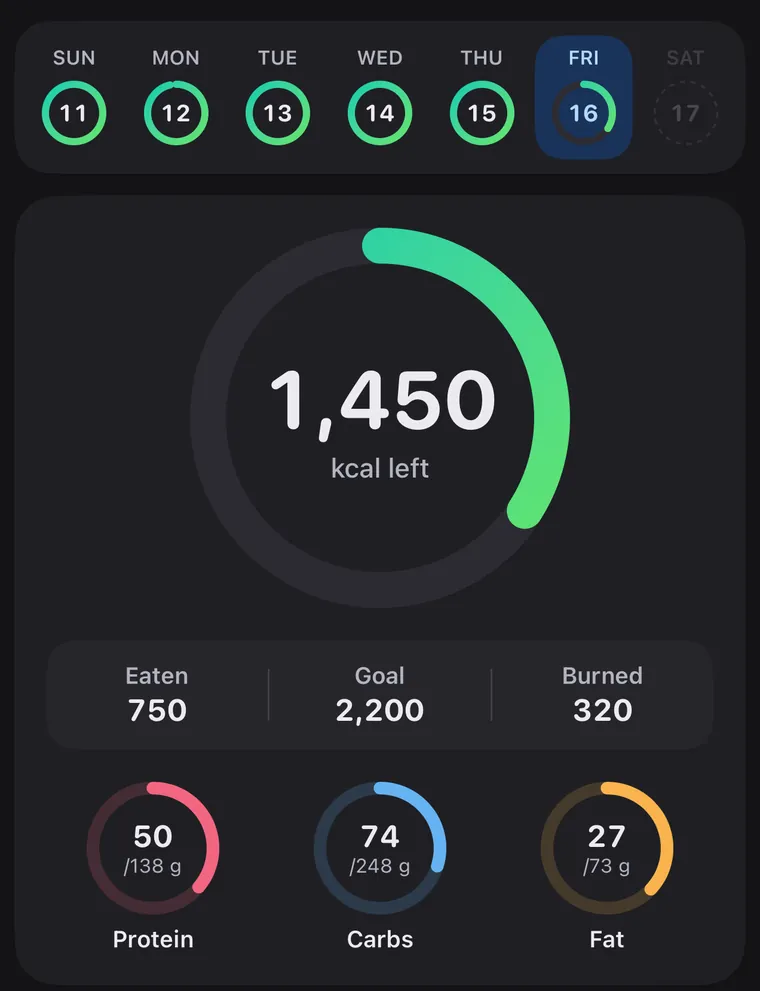
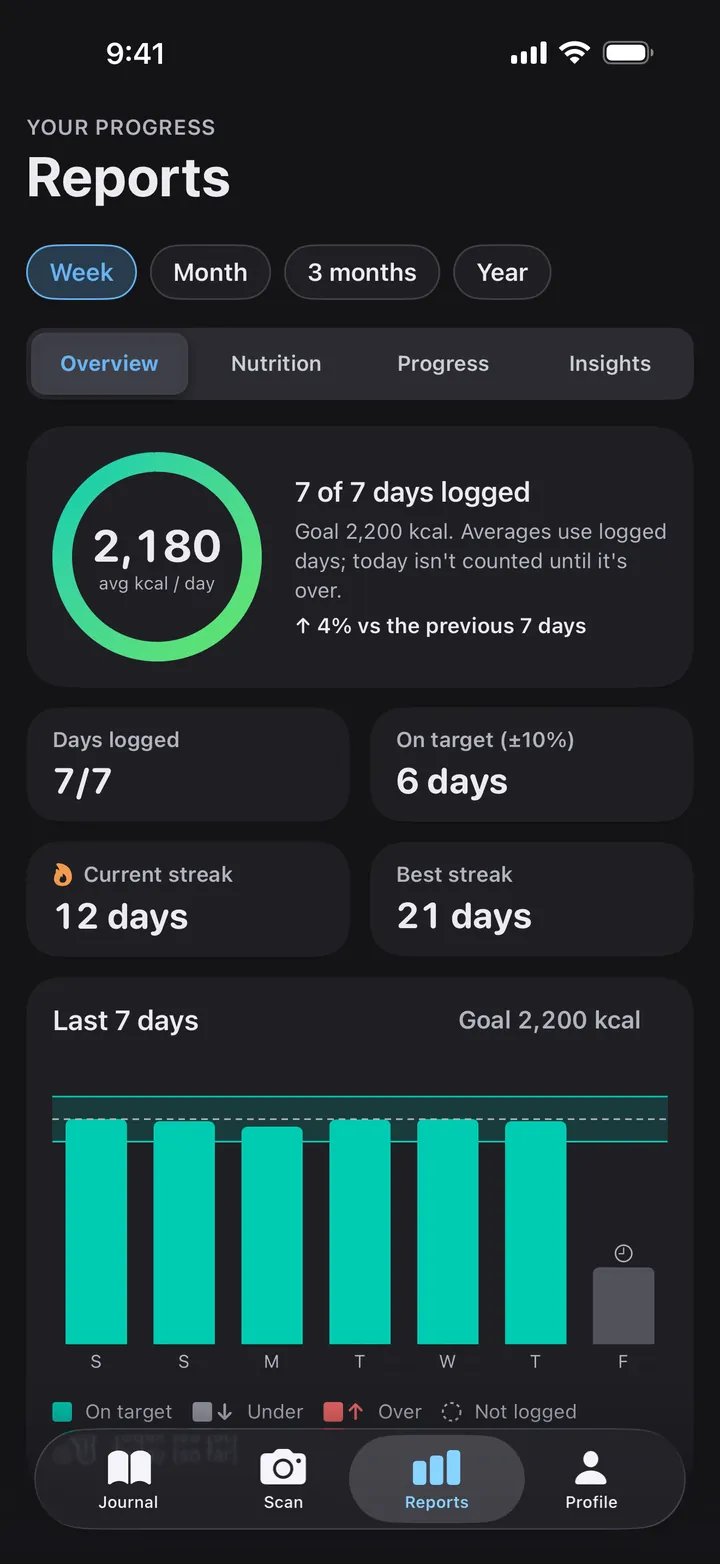
Yes, if you want it to. With your permission, Calorify reads your height, weight, date of birth and sex from Apple Health to fill in your profile, and your steps and active energy to show your activity in the journal and reports. Connecting Apple Health is optional.
Which devices and languages does Calorify support?
Calorify runs on iPhone and iPad with iOS or iPadOS 17.6 or later, in light or dark appearance, and in 15 languages: English, Turkish, German, Spanish, French, Italian, Portuguese, Dutch, Polish, Russian, Japanese, Korean, Simplified Chinese, Arabic and Hindi.
What happens to my food photos and voice recordings?
When you scan a photo or record a voice entry, it's sent to our servers and to OpenAI to estimate the foods and their nutrition values. We don't store voice recordings. We never sell your personal information or share your food logs with advertisers. The Privacy Policy has the details.